tutorials
Best Microcap Stock Screeners
Want to find hot microcap stocks every single day? Check out this guide to learn about the best microcap stock screeners you can use.
5 min read
Read →
Strategies, setups, and platform guides from the Scanz team.
Want to find hot microcap stocks every single day? Check out this guide to learn about the best microcap stock screeners you can use.
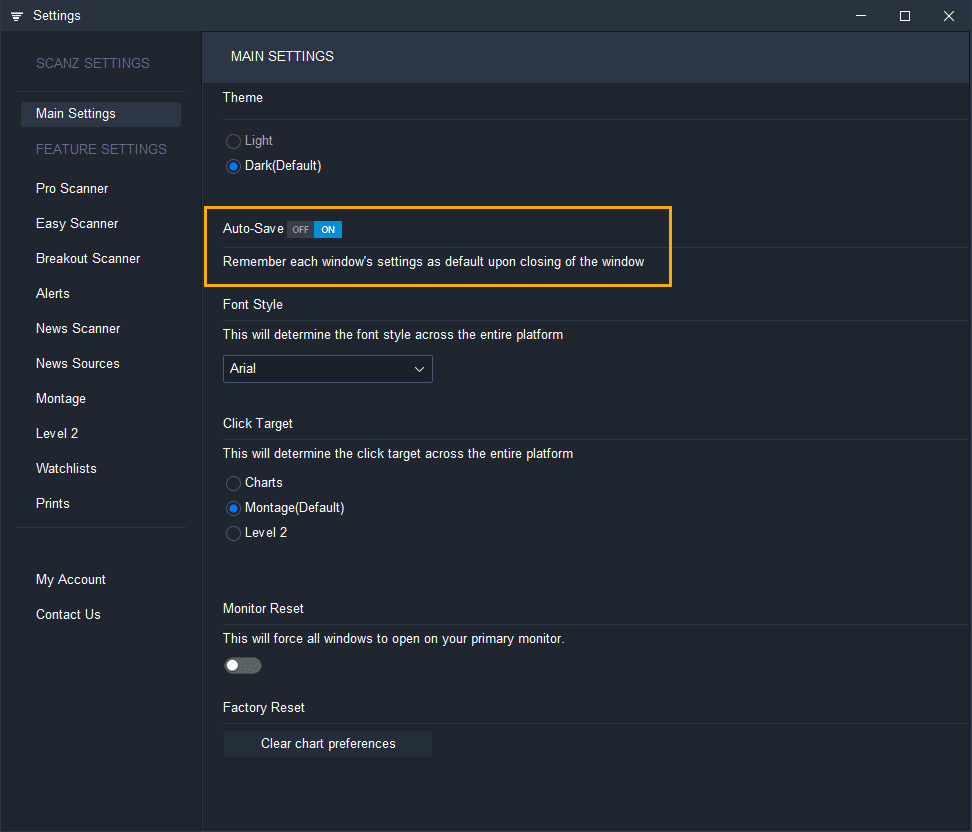
Scanz auto-save is now optional. Toggle it on or off in Settings and manually save window configurations as defaults whenever you choose.
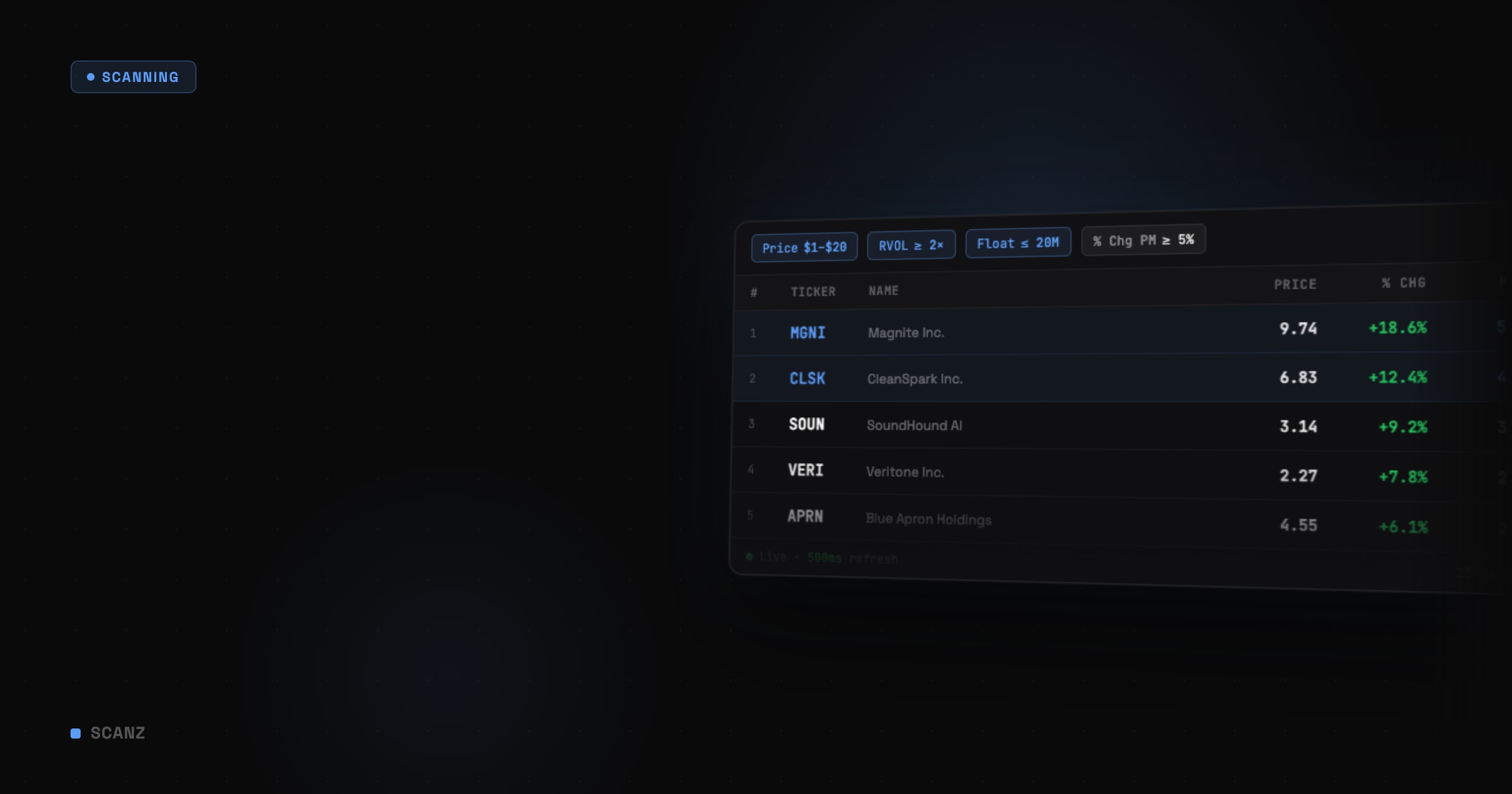
Want to start using stock screeners like a pro? Read this in-depth guide to learn everything you need to know.
Have you heard traders talk about market maker signals before? Are these signals legit or folklore? Here's everything you need to know.
Build an after hours stock screener with Scanz to find technical setups after market close. Generate a watchlist of high-potential trades before the next trading day.
Build stochastics scanners in Scanz to find overbought and oversold stocks in range-bound markets. Learn how %K and %D lines signal high-probability trading entries.
Learn how to create a VWAP scanner in Scanz to identify intraday trading opportunities based on volume-weighted average price levels and market direction signals.
Learn how to create a Bollinger Bands scanner using Scanz. Identify overbought and oversold stocks, volatility squeezes, and band breakout trading opportunities.
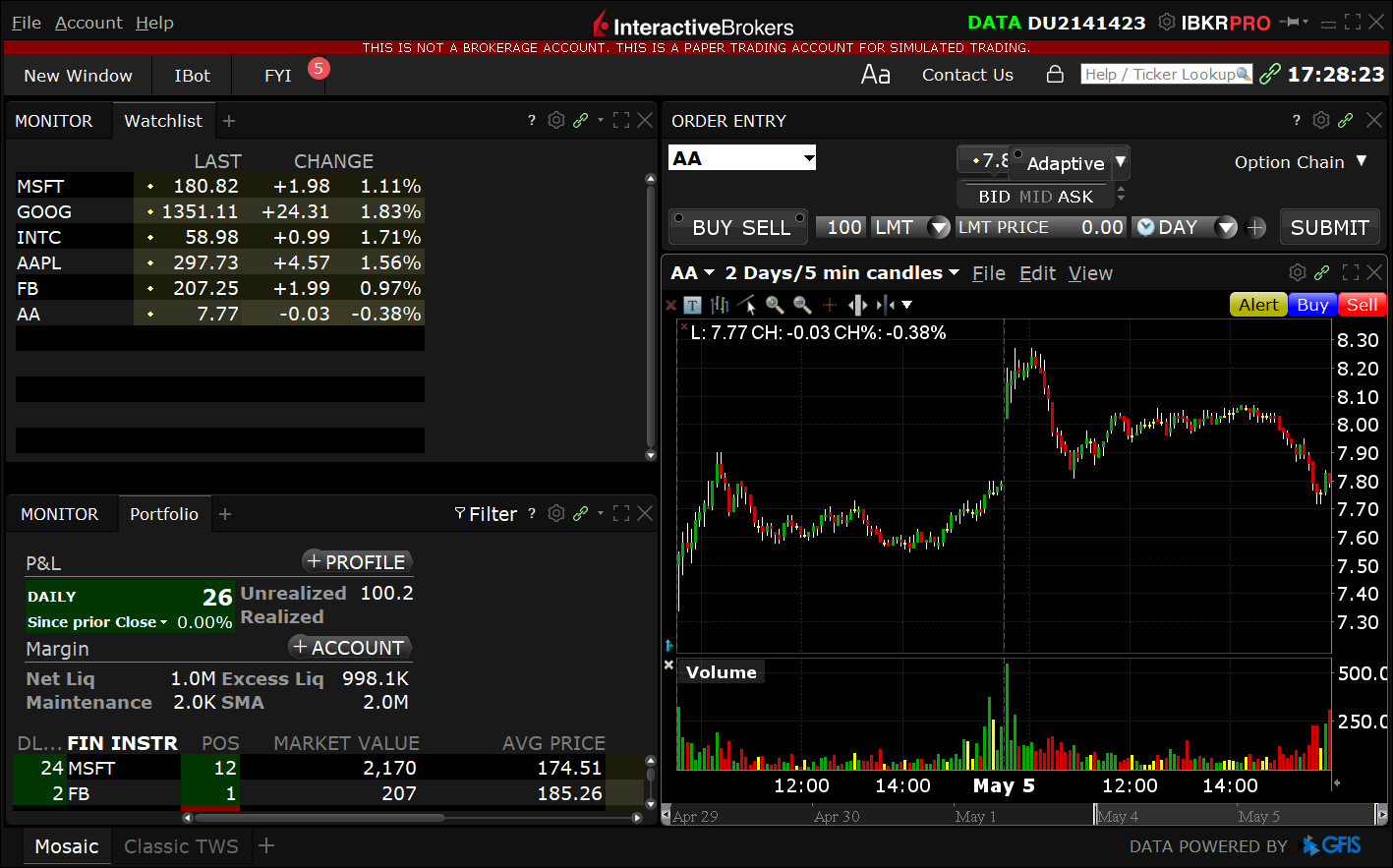
Step-by-step guide to connecting Scanz with Interactive Brokers. Route trades directly from your stock scanner to your IB account with seamless broker integration.
Showing 55–63 of 126 articles
Browse by tag